

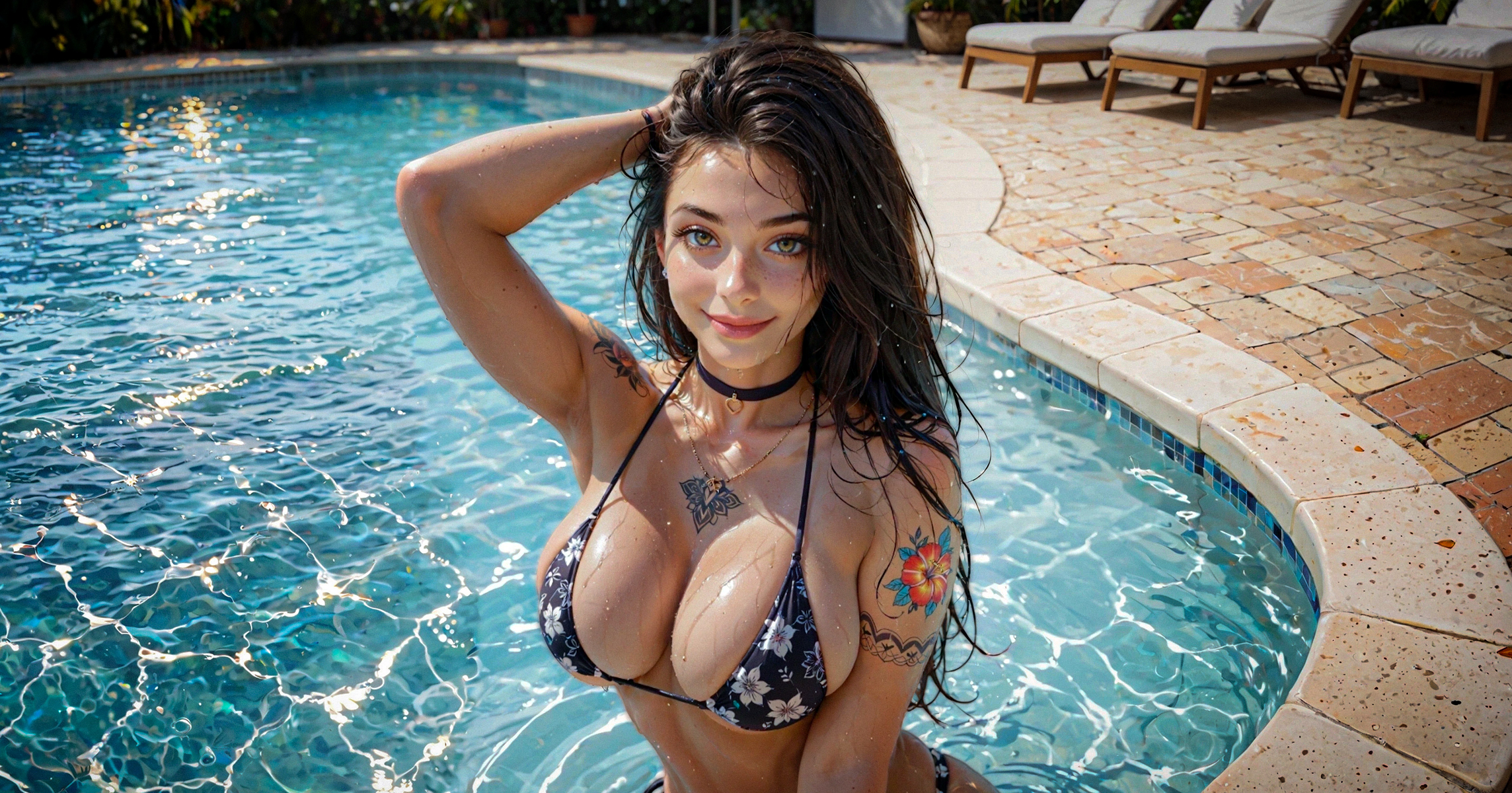
Создание изображений с помощью ИИ, не подходящих для просмотра на работе, — это не просто ввод фантазии в поле подсказки. Если хочешь добиться лучших результатов, воспользуйся этими советами от Pornworks AI.
В этом руководстве по PornWorks AI ты узнаешь 10 практических способов улучшить свои изображения NSFW — от базовой структуры промтов и управления позами до продвинутых инструментов, таких как шаблоны LoRA, масштабирование до 4K, идеи для промтов и отзывы сообщества.
PornWorks AI предназначен для генерации вымышленных изображений для взрослых, не подходящих для просмотра на работе (NSFW). Всегда соблюдай правила платформы и избегай незаконного контента, изображений с участием несовершеннолетних, контента без взаимного согласия, оскорбительного контента или контента, эксплуатирующего реальных людей.
Слабый промпт оставляет ИИ слишком много простора для догадок. Это часто приводит к неверной анатомии, появлению случайных предметов, лишних конечностей, размытых лиц, некрасивых рук или несогласованности деталей персонажа.
Хороший промпт подсказывает AI от PornWorks, что нужно сгенерировать, чего следует избегать, как построить сцену и какой визуальный стиль тебе нужен.
Представь себе, что твоя команда — это творческое задание. Чем чётче оно сформулировано, тем проще получить однородные изображения с ИИ, не подходящие для просмотра на работе, не тратя кредиты на неудачные генерации.
Отрицательные подсказки помогают ИИ PornWorks избежать ошибок, которых ты не хочешь видеть на готовом изображении: некрасивые руки, сросшиеся пальцы, лишние конечности, размытые детали, дублирующиеся части тела, текст, водяные знаки и низкое качество рендеринга.
Простой отрицательный промпт для начала:
худшее качество, низкое разрешение, некрасивые руки, сросшиеся пальцы, размытость, лишние конечности, деформации, дубликаты
Для изображений в стиле аниме:
самое плохое качество, плохое качество, низкое качество, низкое разрешение, текст, артефакты JPEG, обрезанное, в рамке
Почти всегда используй отрицательный промт. Это не спасёт полностью испорченный промт, но может сделать результаты чище и стабильнее.
Тебе не нужны сложные предложения, чтобы управлять позой тела или углом съёмки. ИИ PornWorks обычно лучше справляется с короткими и чёткими ключевыми словами, описывающими позы.
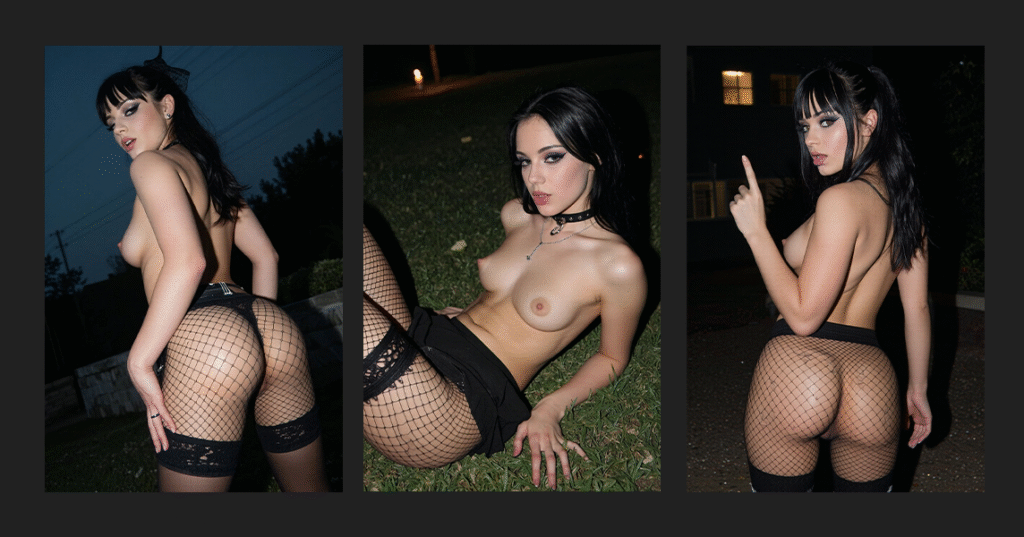
очень красивая девушка, чёрные волосы, макияж, подводка для глаз, густые ресницы, готка, очень сексуальная, грудь среднего размера, сетчатые чулки, колготки, (ФРАЗА ДЛЯ ПОЗЫ), на улице, ночью, кинематографическая цветокоррекция, Canon EOS 200D, 48 мм
Попробуй такие фразы, как:
Использование одна основная поза за одно поколение. Если объединить слишком много инструкций по позе, изображение может испортиться или анатомия персонажа может получиться искажённой.
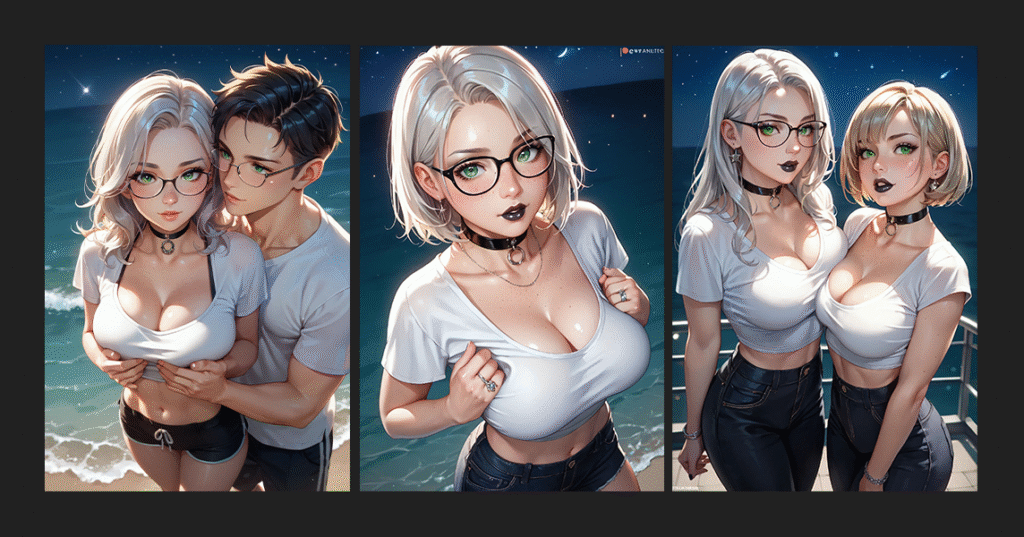
Если ты напишешь просто «девушка» или «женщина», ИИ может добавить лишних персонажей, случайные части тела или людей на заднем плане. Используй теги с указанием количества персонажей, если хочешь получить чистую сцену с конкретным количеством персонажей.
Для одной героини:
соло, 1 девушка
Для одного персонажа-парня:
соло, 1 мальчик
Для одной пары:
1 девочка, 1 мальчик, пара
Это особенно полезно, когда тебе нужна четкая композиция, продуманные позы или единообразный дизайн персонажей.
Параметр «CFG Scale» определяет, насколько строго AI PornWorks будет следовать твоему запросу. Меньшие значения дают модели больше свободы. Большие значения заставляют её следовать запросу более строго, но слишком высокие значения могут привести к появлению резких или искажённых изображений.
Рекомендуемый диапазон:
5–7 — более мягкие и гибкие результаты
7–10 — лучший стартовый диапазон для большинства поколений
10–12 — более строгое следование подсказкам, более высокий риск появления артефактов
12+ — экспериментальный, часто нестабильный или сюрреалистический
Начинай примерно с 7–10. Меняй CFG только после того, как твои промпт и отрицательный промпт уже будут чистыми.
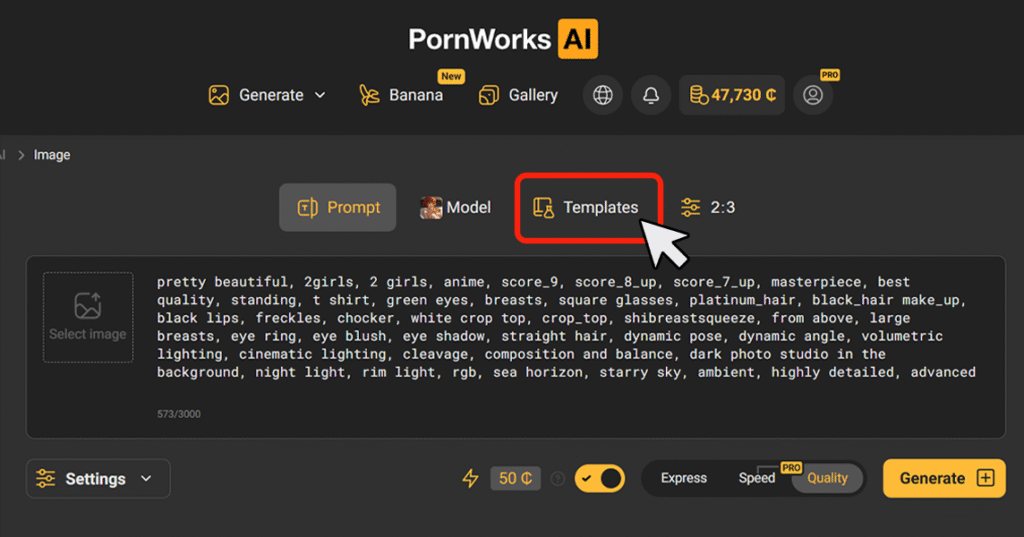
Некоторые позы, наряды, стили и пропорции тела сложно описать простым текстом. Шаблоны LoRA помогают PornWorks AI более точно понимать конкретные визуальные концепции, добавляя в твой запрос обученные триггерные слова и веса.
Шаблоны LoRA полезны для:
Там ты найдёшь LoRA, и Вот полное руководство
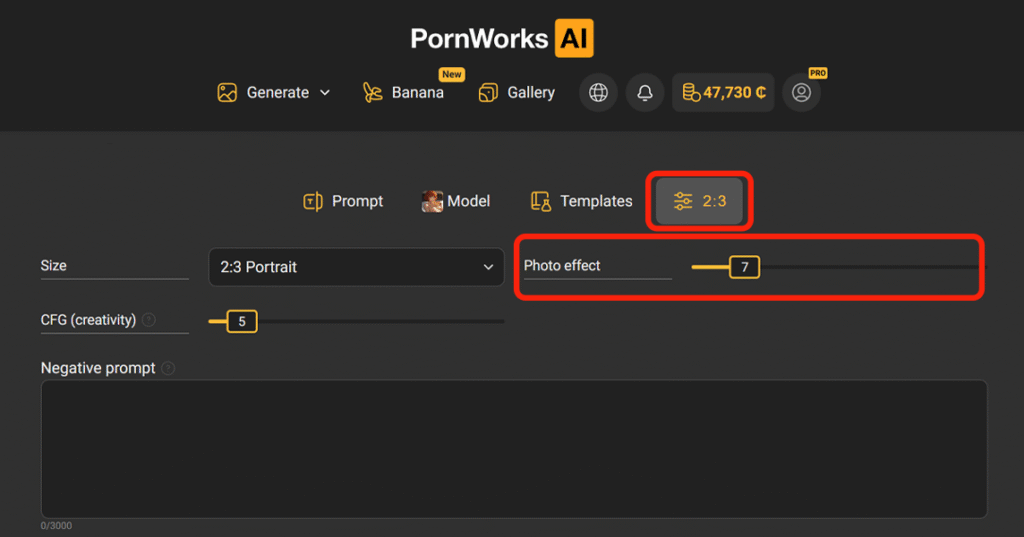
В PornWorks AI параметр «Резкость» определяет, насколько четким или размытым будет готовое изображение. Он влияет на текстуру кожи, детали волос, контуры тела, края освещения, тени и общий вид фотографии.
Диапазон резкости:
0–5 — мягкий, кинематографический, мечтательный образ
7–10 — сбалансированная четкость для реалистичных изображений, не подходящих для просмотра на работе
10–15 — более четкие детали, более выраженная текстура, более заметные края
Самый безопасный диапазон обычно составляет 7–12. При более высоких значениях лица, кожа, фон и мелкие детали могут выглядеть слишком резко.
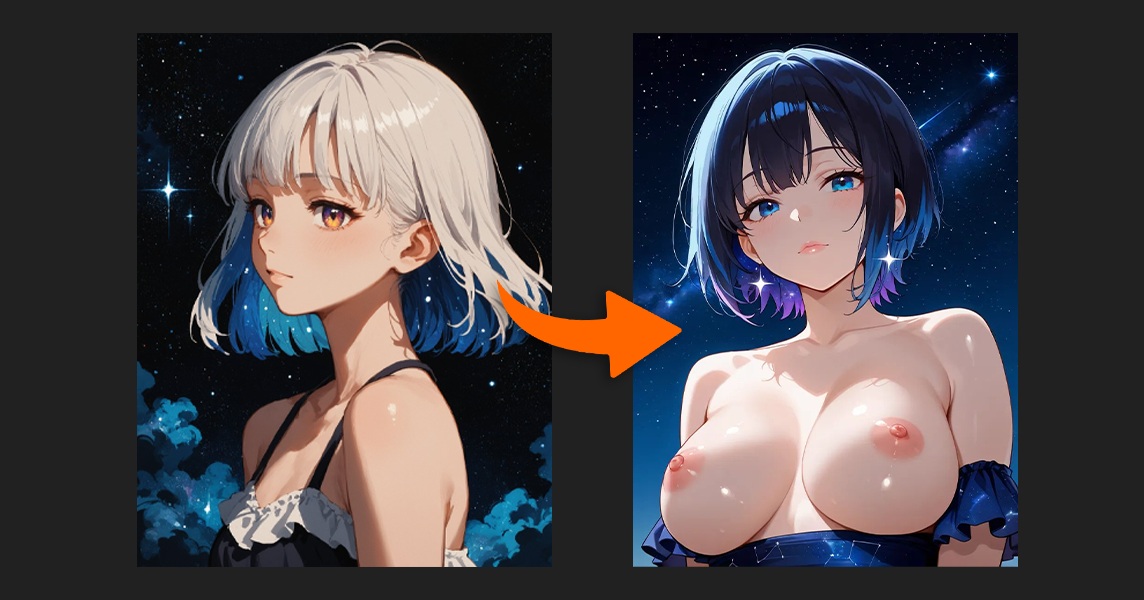
Функция «4K Upscale» пригодится, когда исходное изображение уже имеет хорошую анатомию, позу, лицо и композицию, но требует повышения разрешения или добавления деталей. С её помощью можно улучшить текстуру кожи, волосы, глаза, губы, освещение и элементы фона.
Но не увеличивай размер повреждённых изображений.
Если лицо, руки или прочие анатомические детали неверны, увеличение разрешения их не исправит. Оно только сделает ошибки более заметными. Сначала выбери хорошее исходное изображение, а потом уже увеличивай его разрешение.
Один из самых быстрых способов улучшить свои промты для PornWorks AI — изучить изображения, которые уже хорошо работают. Найди исходное изображение с позой, стилем, освещением или композицией, которые тебе нравятся, а затем воспользуйся инструментами для создания подписей, чтобы понять, как это изображение можно описать языком промтов.
Простой рабочий процесс:
Не копируй работы других авторов один в один. Воспользуйся примерами, чтобы понять логику промтов, а потом создай свою собственную версию.
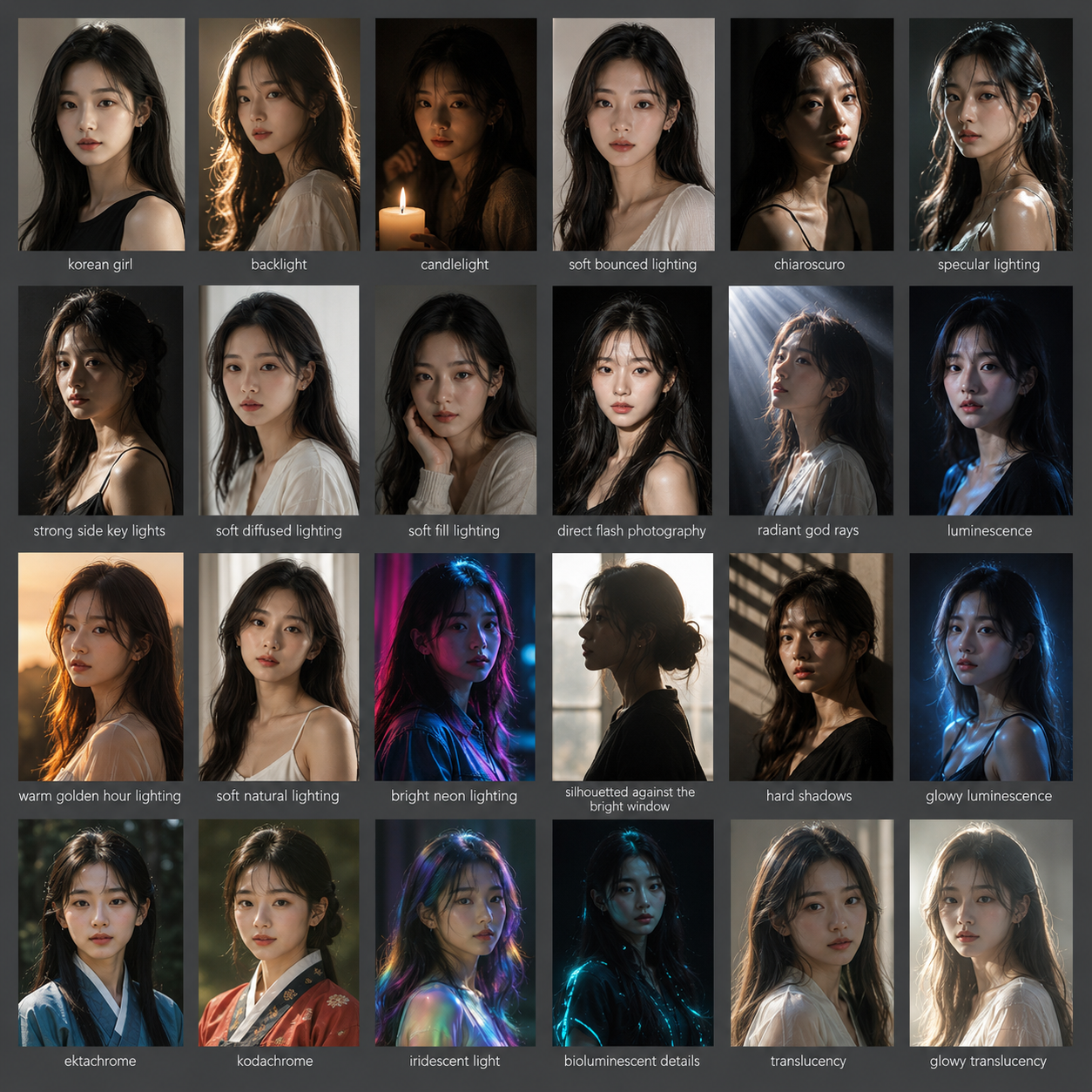
Не обязательно придумывать каждый промпт с нуля. Мы собрали лучшие мини-руководства и советы от сообщества; я привёл их ниже. Они помогут тебе быстрее создавать промпты и избегать расплывчатых описаний вроде «красивая девушка» или «сексуальная поза», которые часто дают случайные результаты.
Используй их для управления:
ЭМОЦИИахегао ПОЗЫнаклонился | ПОЛОЖЕНИЕ КАМЕРЫкрупный план, крупный план
|
Для удобства копирования:
Типы женской фигуры в порядке возрастания.
Тонкий:
Жир:
Ты сможешь быстрее совершенствоваться, сравнивая свои результаты с работами других авторов. Публикуй удачные изображения в PornWorks AI общественная галерея, поделись ими в Discord, и посмотри, как другие пользователи выстраивают промпы, выбирают LoRA, задают позы и настройки.
Отзывы сообщества помогают тебе заметить проблемы, которые ты мог бы упустить: слабое освещение, неверная анатомия, неудачный ракурс камеры, перегруженные подсказки или настройки, которые можно улучшить.
Ты также можешь присоединяйся к Discord конкурсы, где ты сможешь проверить свои навыки и побороться за награды, такие как доступ к PRO, кредиты или специальные призы (если они доступны).
Если хочешь добиться лучших результатов, не занимайся этим в одиночку. Публикуй, сравнивай, корректируй и повторяй.
Хороший промпт для PornWorks AI не должен представлять собой беспорядочный набор тегов. Начни с темы, а затем добавь теги, описывающие тело, позу, ракурс камеры, освещение, стиль и качество.
Используй такую структуру:
тема + детали фигуры + поза + ракурс + освещение + стиль + теги качества
Эта структура работает, потому что она указывает ИИ, что нужно сгенерировать, как скомпоновать сцену, какой стиль использовать и каких ошибок следует избегать.
Иногда беспорядочный набор ключевых слов может сработать, но четкая структура запроса гораздо надежнее для стабильного создания изображений с контентом для взрослых с помощью ИИ.
Лучшие результаты с PornWorks AI — это результат более тщательного управления промптами. Начни с чёткой темы, одной основной позы, чёткого отрицательного промпта, сбалансированной шкалы CFG и, при необходимости, подходящих шаблонов LoRA.
Тогда улучшай изображение с помощью резкости и функции 4K Upscale только после того, как базовое изображение уже будет выглядеть хорошо.
Если хочешь быстрее совершенствоваться, изучай удачные изображения, используй готовые фразы-промты, сохраняй свои лучшие настройки и делись результатами с сообществом, чтобы получить отзывы.