

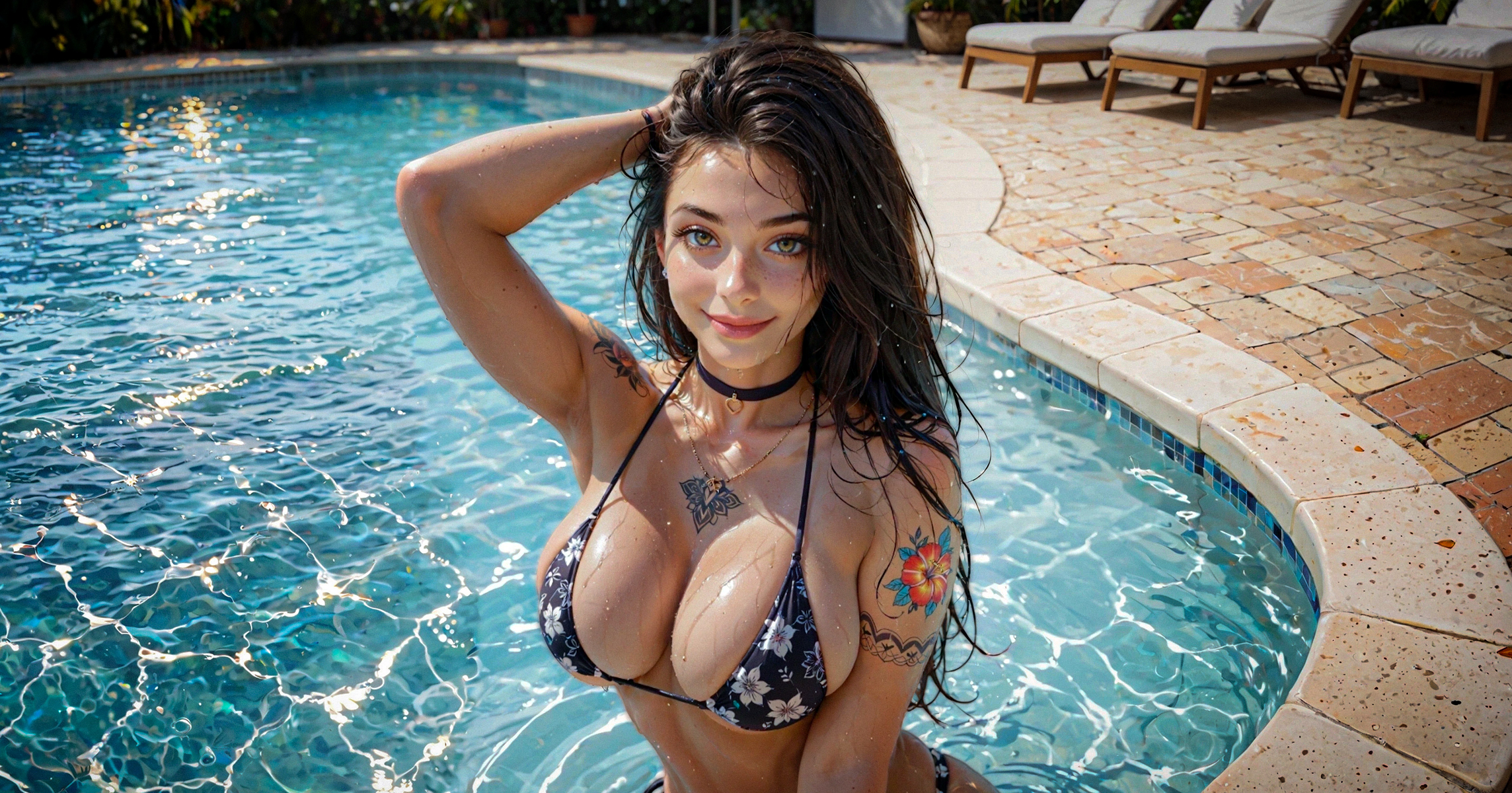
NSFW AI image generation is not only about typing a fantasy into a prompt box. If you want to get best results, use this Pornworks AI tips.
In this PornWorks AI guide, you’ll learn 10 practical ways to improve your NSFW images — from basic prompt structure and pose control to advanced tools like LoRA templates, 4K upscale, prompt inspiration, and community feedback.
PornWorks AI is designed for fictional adult NSFW image generation. Always follow the platform rules and avoid illegal, underage, non-consensual, abusive, or real-person exploitative content.
A weak prompt gives the AI too much room to guess. That often leads to broken anatomy, random objects, extra limbs, blurry faces, bad hands, or inconsistent character details.
A strong prompt tells PornWorks AI what to generate, what to avoid, how to frame the scene, and what visual style you want.
Think of your prompt as a creative brief. The clearer it is, the easier it becomes to get consistent NSFW AI images without wasting credits on failed generations.
Negative prompts help PornWorks AI avoid the mistakes you don’t want in the final image: bad hands, fused fingers, extra limbs, blurry details, duplicated body parts, text, watermarks, and low-quality rendering.
Basic negative prompt to start with:
worst quality, lowres, bad hands, fused fingers, blurry, extra limbs, deformed, duplicated
For anime-style images:
worst quality, bad quality, low quality, lowres, text, jpeg artifacts, cropped, framed
Use a negative prompt almost every time. It will not save a completely broken prompt, but it can make your results cleaner and more stable.
You don’t need complicated sentences to control body position or camera angle. PornWorks AI usually works better with short, direct pose keywords.
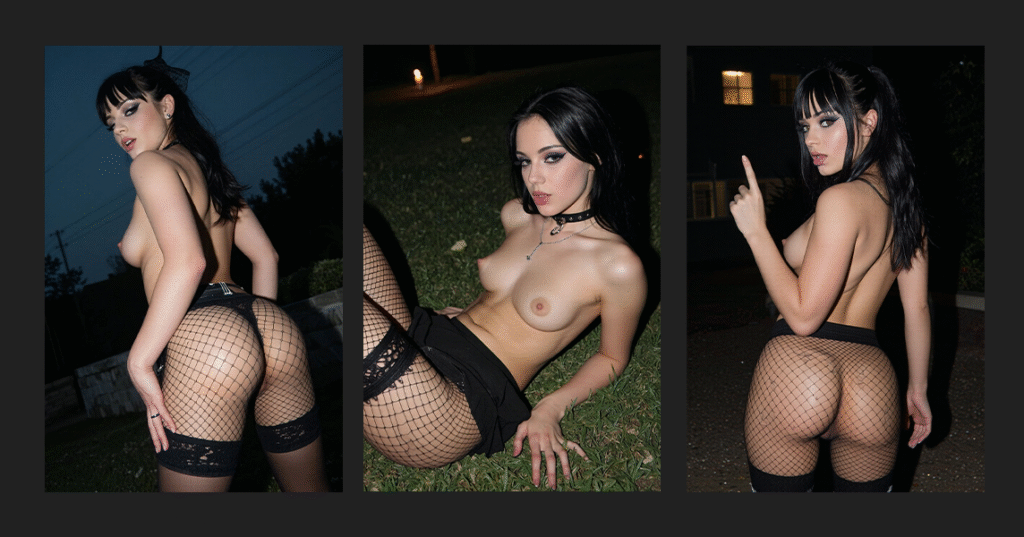
pretty beautiful girl, black hair, makeup, make up, eyeliner, thick eyelashes, goth girl, very sexy, medium breasts, fishnet, pantyhose, (POSE PHRASE), outdoors, night time, cinematic color grading, canon EOS 200D, 48mm
Try phrases like:
Utilice one main pose per generation. If you combine too many pose instructions, the image can break or produce twisted anatomy.
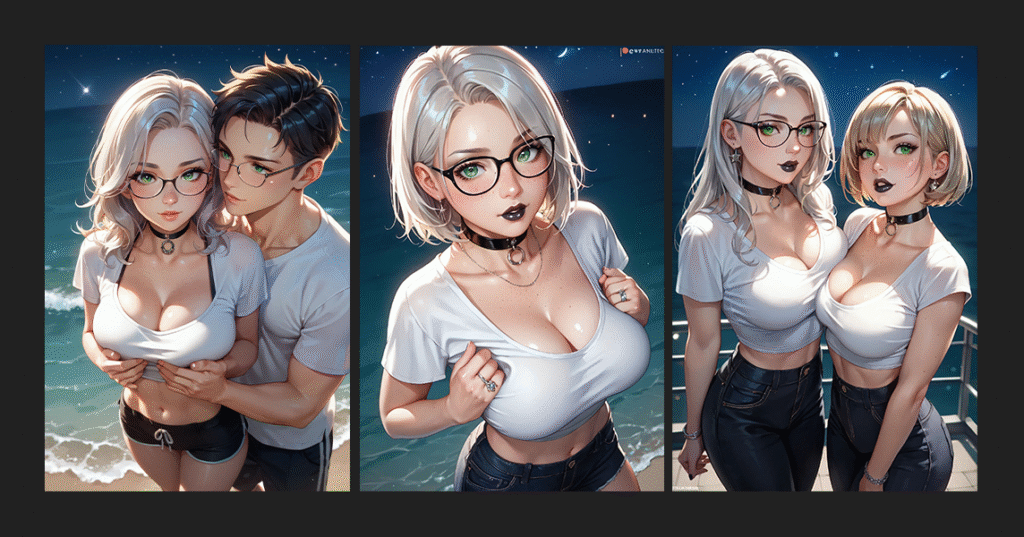
If you only write “girl” or “woman,” the AI may add extra characters, random limbs, or background people. Use character-count tags when you want a clean scene with a specific number of subjects.
For one female character:
solo, 1girl
For one male character:
solo, 1boy
For one couple:
1girl, 1boy, couple
This is especially useful when you want clean composition, controlled posing, or consistent character design.
CFG Scale controls how strongly PornWorks AI follows your prompt. Lower values give the model more freedom. Higher values force it to follow the prompt more strictly, but going too high can create harsh or distorted images.
Recommended range:
5–7 — softer, more flexible results
7–10 — best starting range for most generations
10–12 — stricter prompt following, higher artifact risk
12+ — experimental, often unstable or surreal
Start around 7–10. Change CFG only after your prompt and negative prompt are already clean.
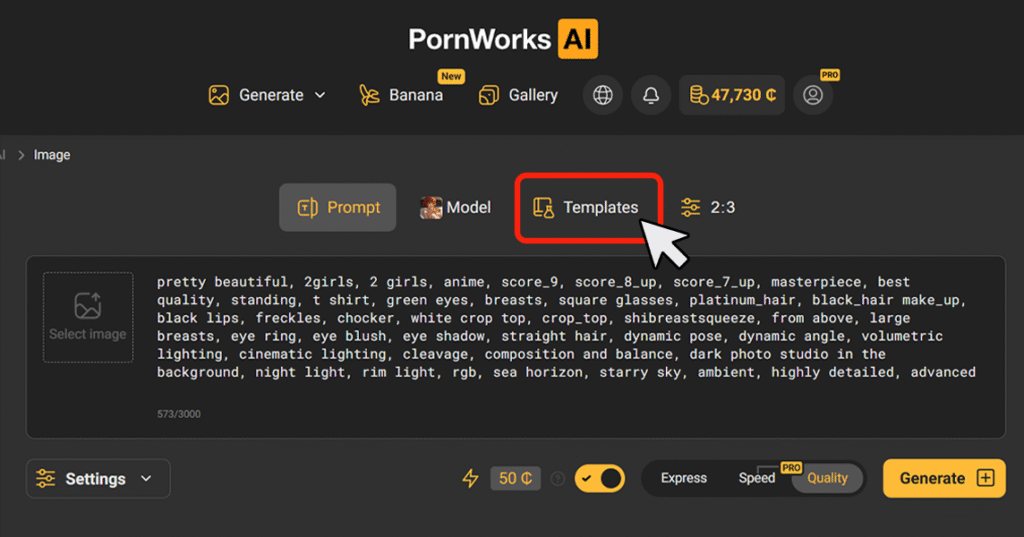
Some poses, outfits, styles, and body compositions are difficult to describe with plain text. LoRA templates help PornWorks AI understand specific visual concepts more reliably by adding trained trigger words and weights to your prompt.
LoRA templates are useful for:
You can find LoRAs there, and there is the full guide
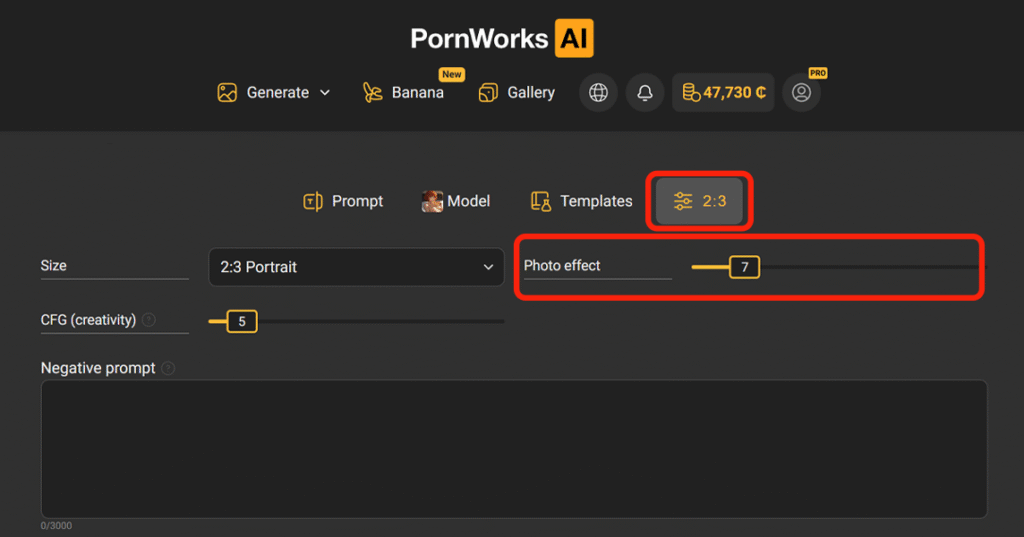
In PornWorks AI, the Sharpness parameter controls how crisp or soft the final image looks. It affects skin texture, hair detail, body outlines, lighting edges, shadows, and the overall photo effect.
Sharpness range:
0–5 — soft, cinematic, dreamy look
7–10 — balanced clarity for realistic NSFW images
10–15 — stronger detail, sharper texture, more visible edges
The safest range is usually 7–12. Higher values can make faces, skin, backgrounds, and small details look too harsh.
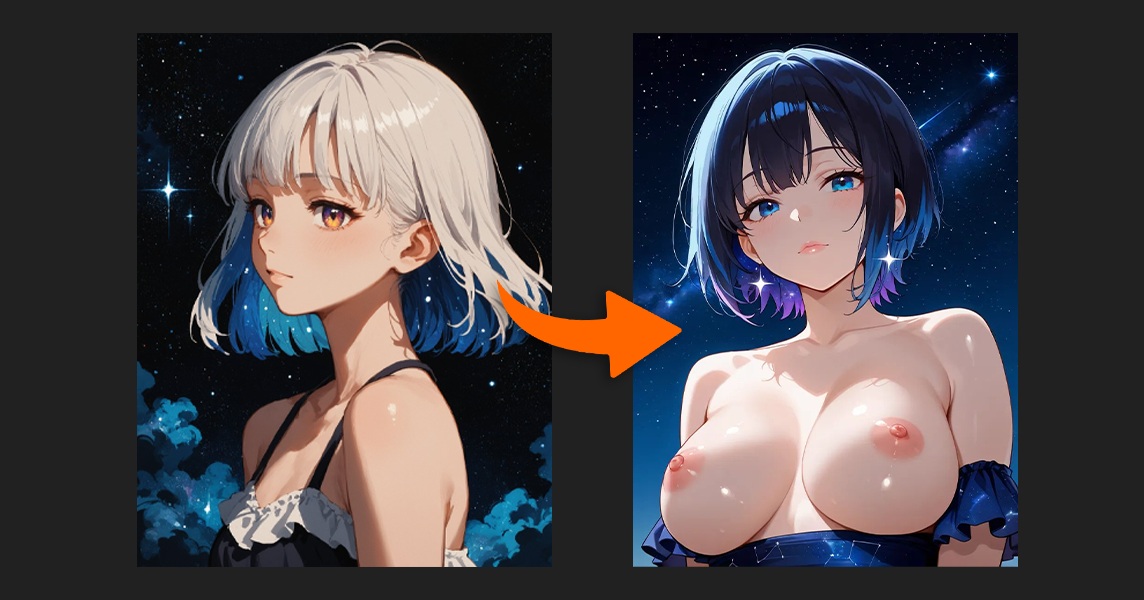
4K Upscale is useful when the base image already has good anatomy, pose, face, and composition but needs more resolution or detail. It can improve skin texture, hair, eyes, lips, lighting, and background elements.
But don’t upscale broken images.
If the face, hands, or anatomy are wrong, upscale will not fix them. It will just make the mistakes sharper. First choose a strong base image, then upscale it.
One of the fastest ways to improve your PornWorks AI prompts is to study images that already work. Find a reference image with a pose, style, lighting, or composition you like, then use captioning tools to understand how that image could be described in prompt language.
Simple workflow:
Don’t copy another creator’s work one-to-one. Use references to learn prompt logic, then make your own version.
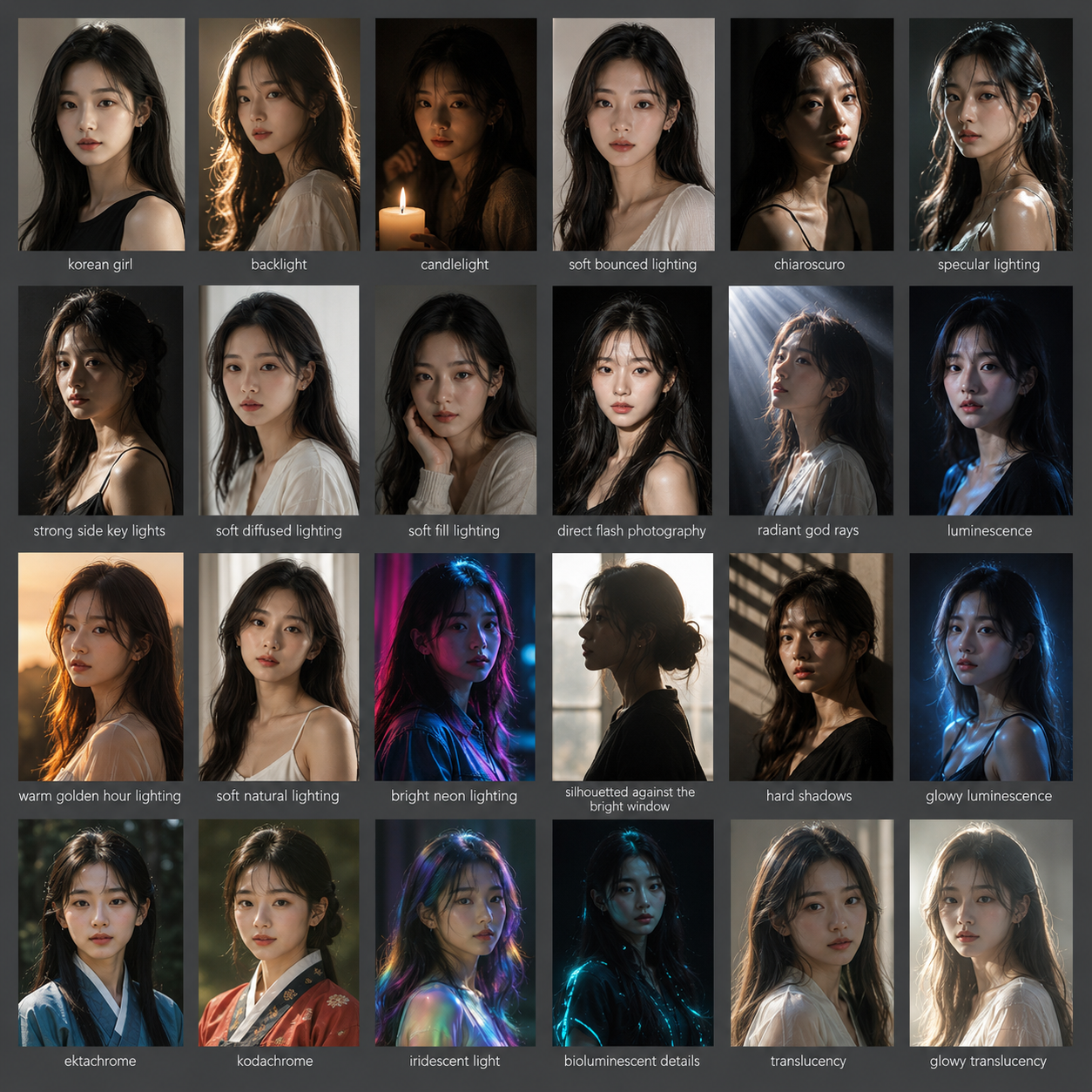
You don’t need to invent every prompt from scratch. We’ve compiled the best mini-guides and tips from the community; I’ve included them below. They’ll help you create prompts more quickly and avoid vague descriptions like “beautiful girl” or “sexy pose,” which often yield random results.
Use them to control:
EMOTIONSahegao POSESbent over | CAMERA POSITIONclose up, closeup
|
For easy-copy:
Female body types by increasing.
Thin:
Fat:
You can improve faster by comparing your results with other creators. Publish strong images to the PornWorks AI public gallery, share them in Discordia, and look at how other users structure prompts, LoRA choices, poses, and settings.
Community feedback helps you notice problems you might miss: weak lighting, broken anatomy, bad camera angle, overloaded prompts, or settings that could be improved.
You can also join Discord contests to test your skills and compete for rewards like PRO access, credits, or special prizes when available.
If you want better results, don’t generate in isolation. Publish, compare, adjust, and repeat.
A good PornWorks AI prompt should not be a random pile of tags. Start with the subject, then add body details, pose, camera angle, lighting, style, and quality tags.
Use this structure:
subject + body details + pose + camera angle + lighting + style + quality tags
This structure works because it tells the AI what to generate, how to frame the scene, what style to use, and what mistakes to avoid.
Random keyword dumping can work sometimes, but a clean prompt structure is much more reliable for consistent NSFW AI image generation.
Better PornWorks AI results come from better prompt control. Start with a clear subject, one main pose, a strong negative prompt, balanced CFG Scale, and the right LoRA templates when needed.
Then improve the image with sharpness and 4K Upscale only after the base generation already looks good.
If you want to improve faster, study strong images, use ready-made prompt phrases, save your best settings, and share your results with the community for feedback.